Livery Dock puts live widgets and your apps in one bar above the taskbar. Control your music, switch wallpapers, watch your CPU and open apps without leaving what you are doing.
New in 0.3 · Widgets · Music · Open apps · Pinned apps · Presets · Wallpapers
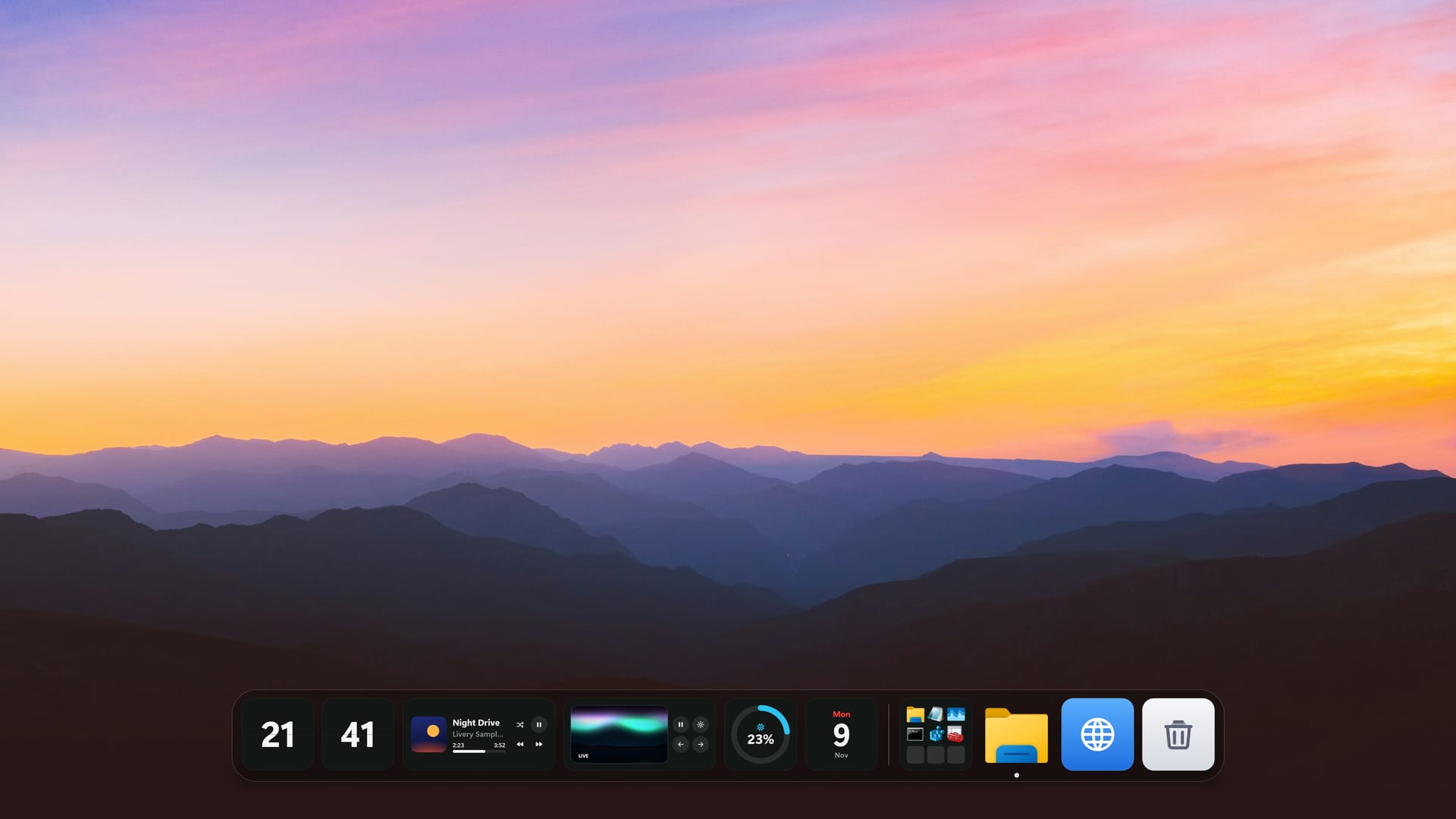
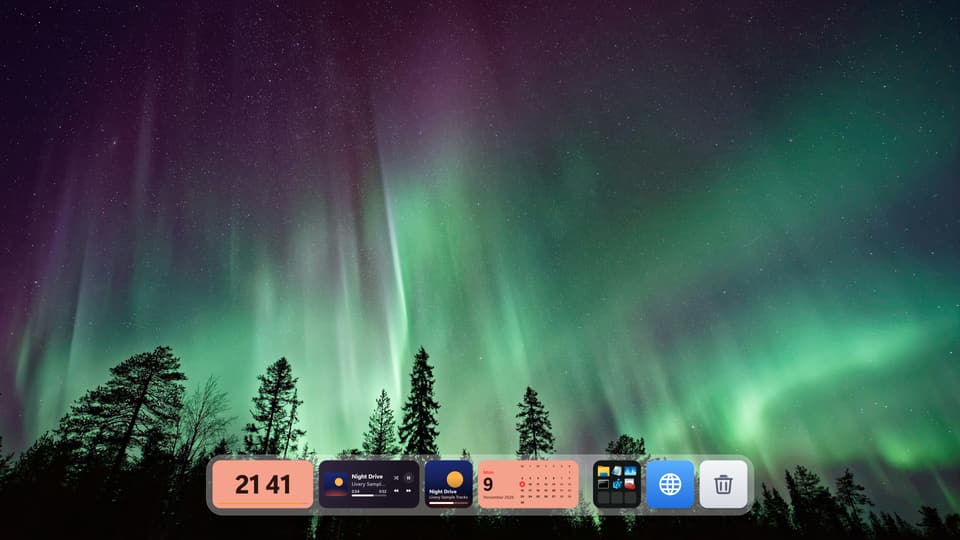
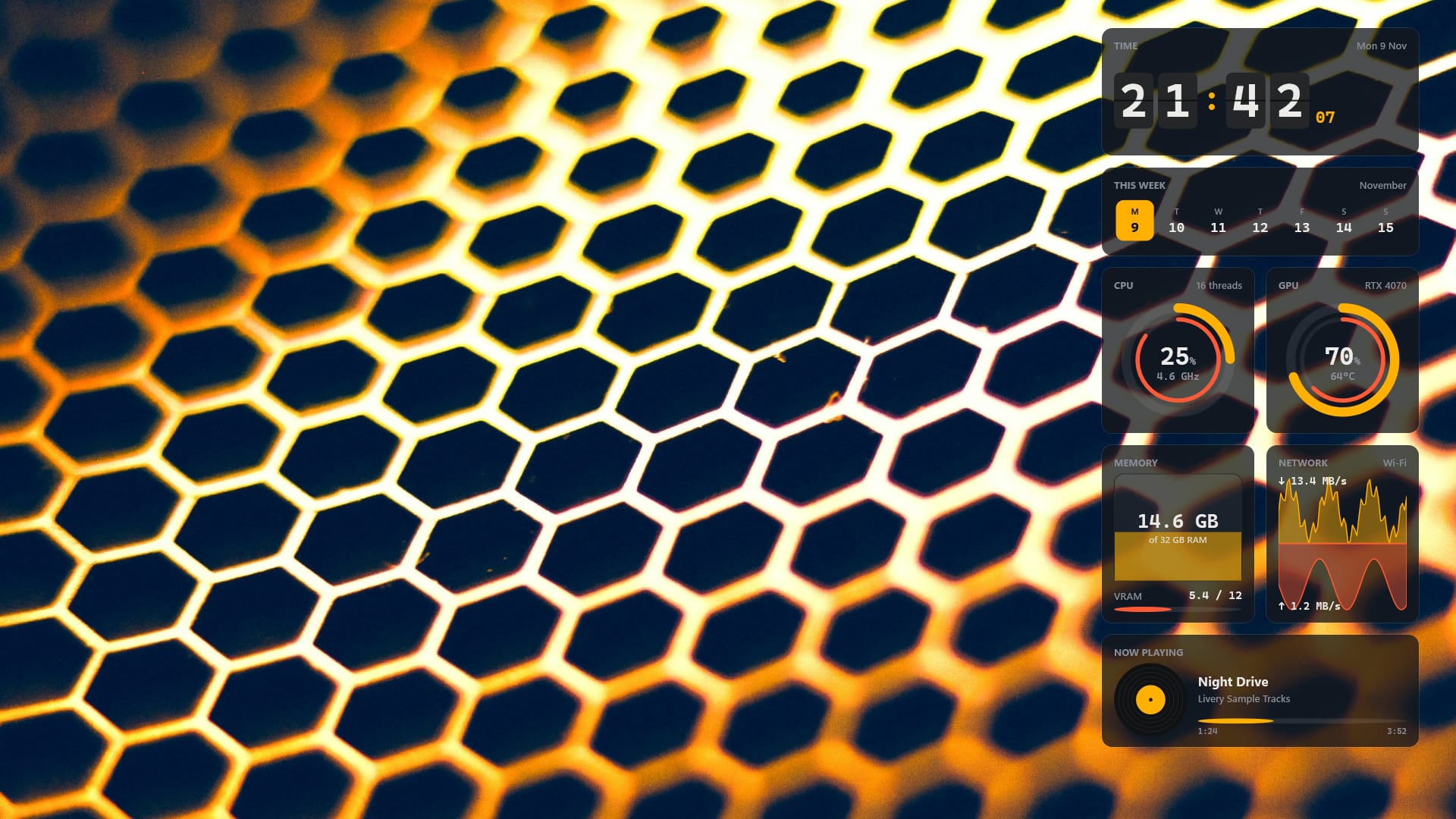
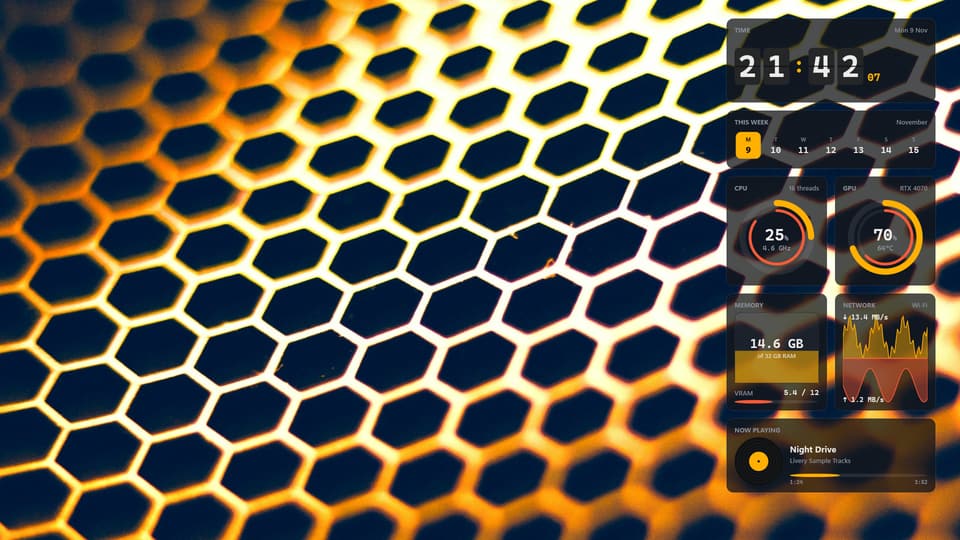
Ember Desk · Free preset
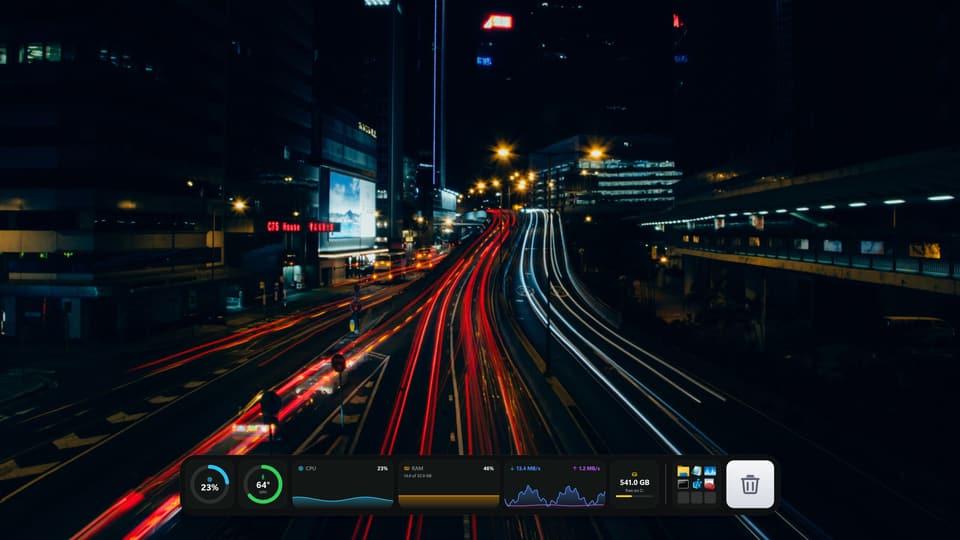
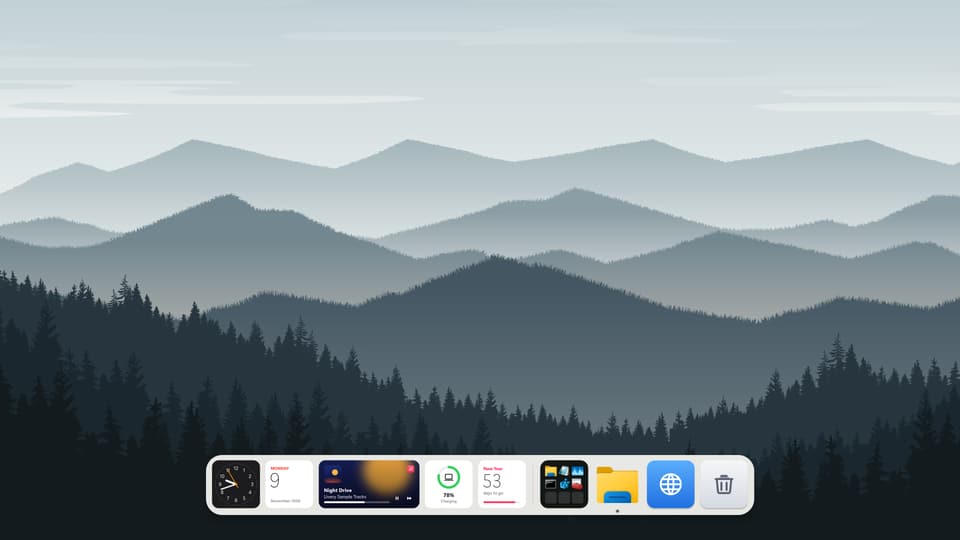
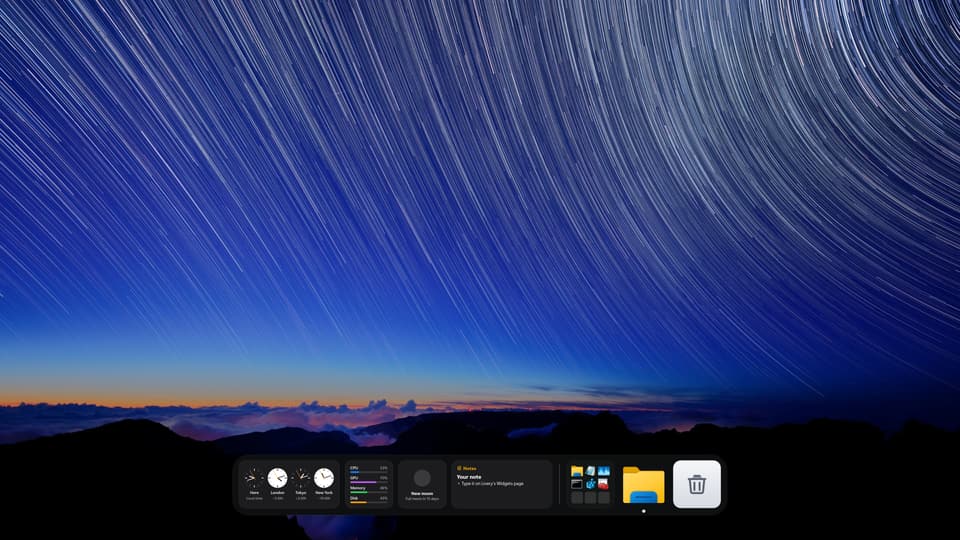
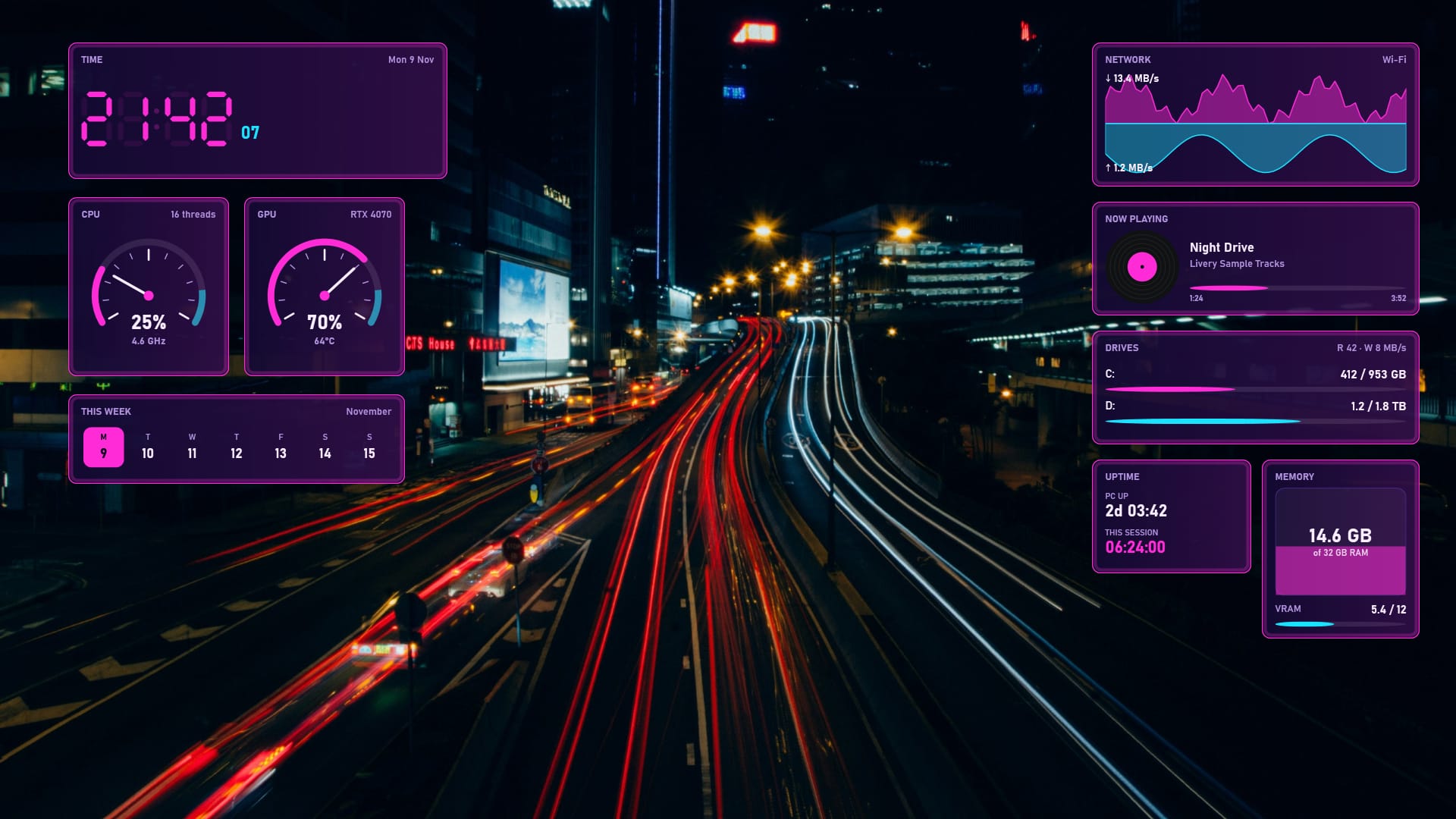
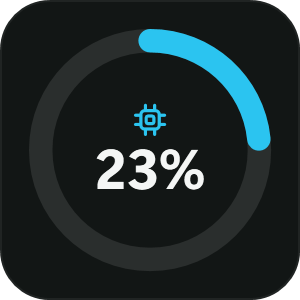
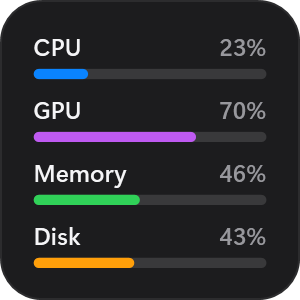
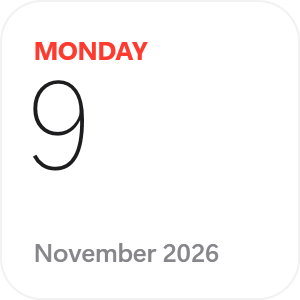
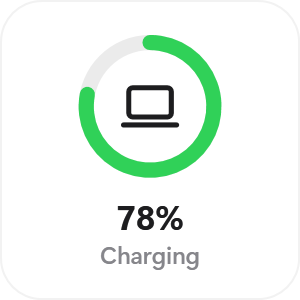
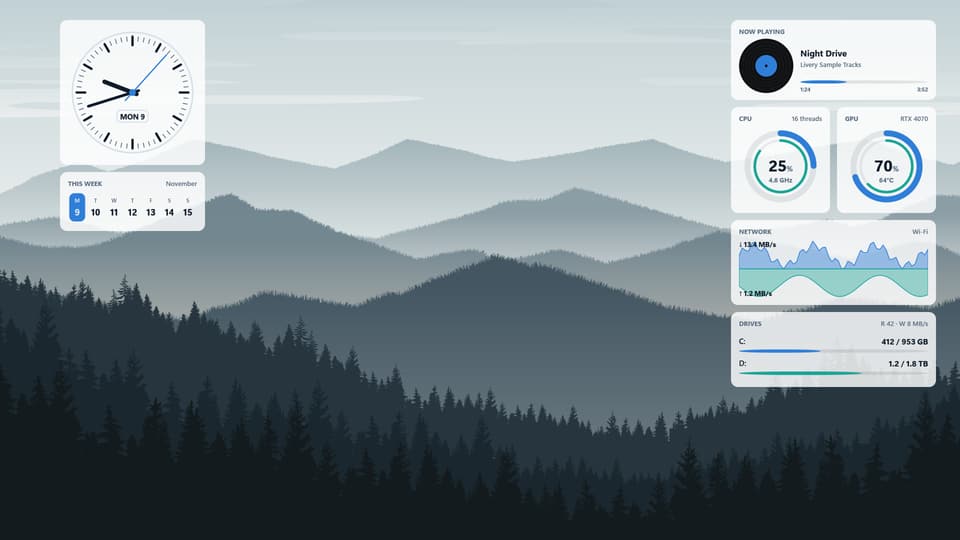
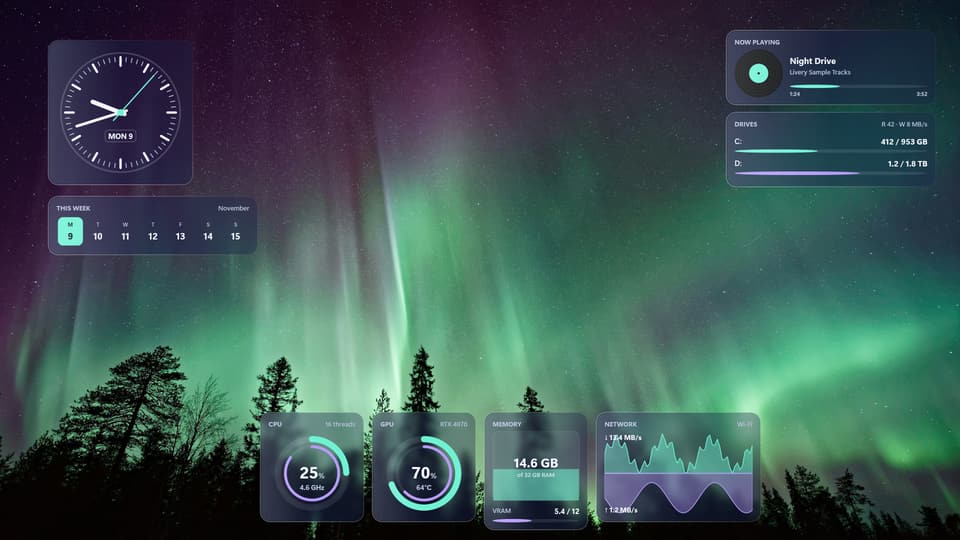
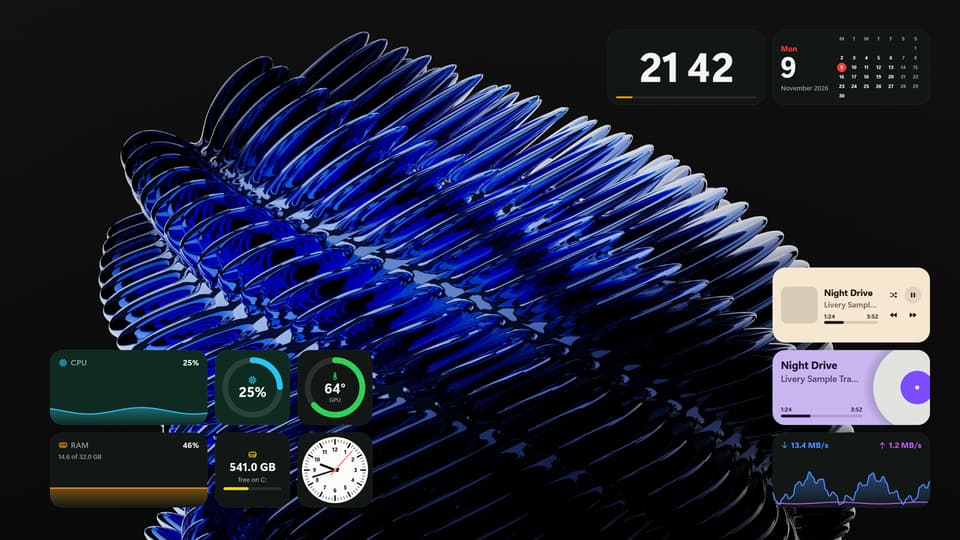
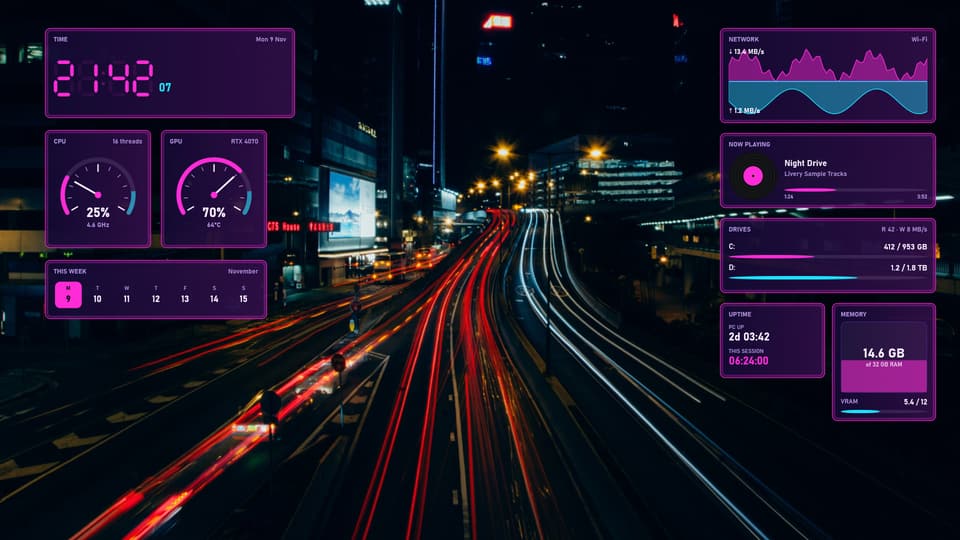
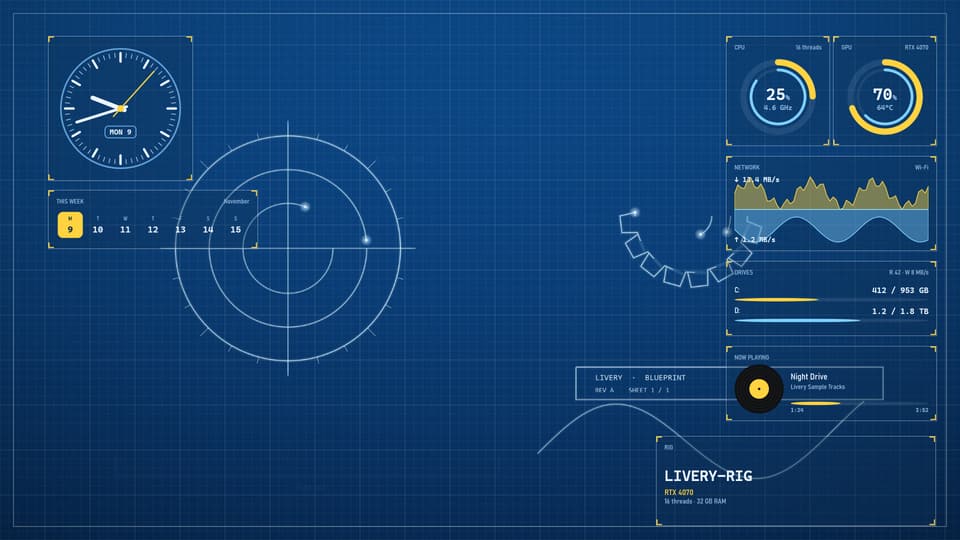
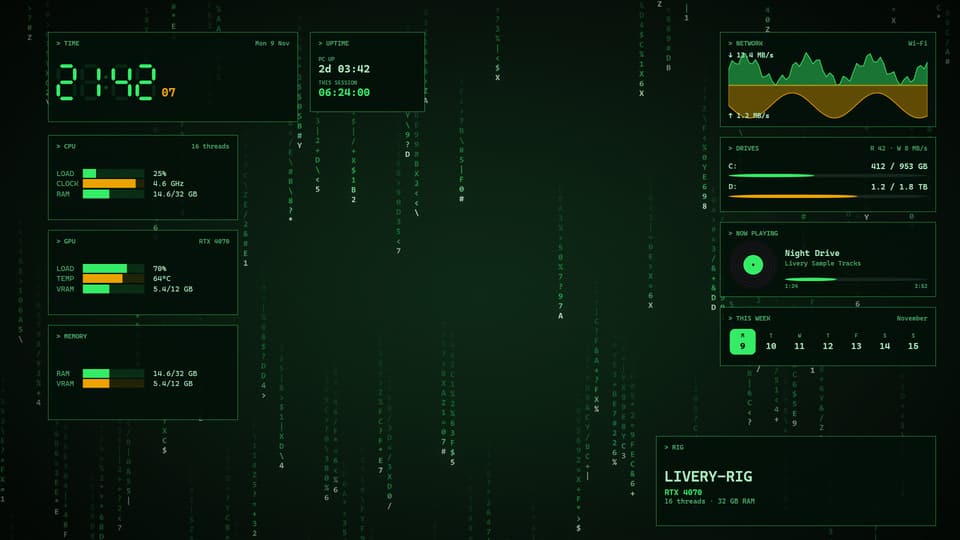
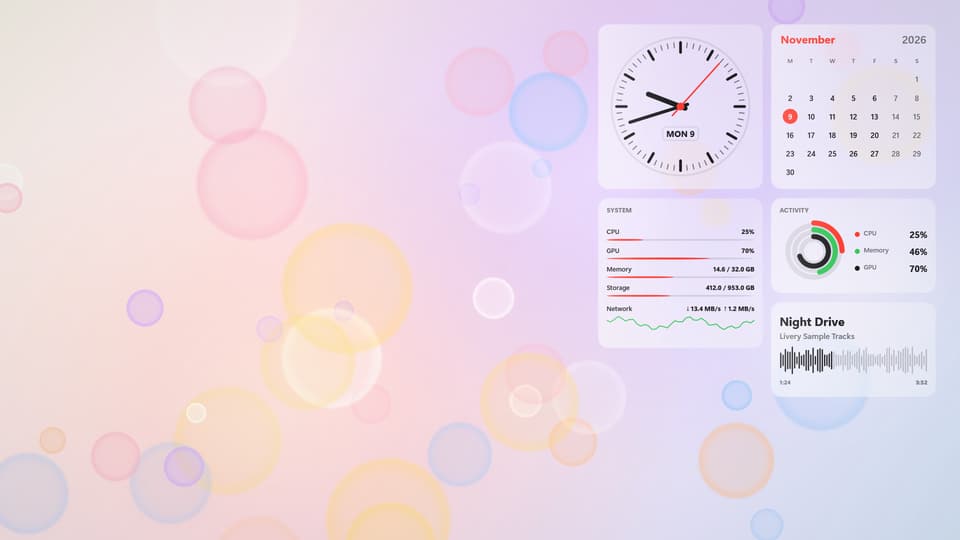
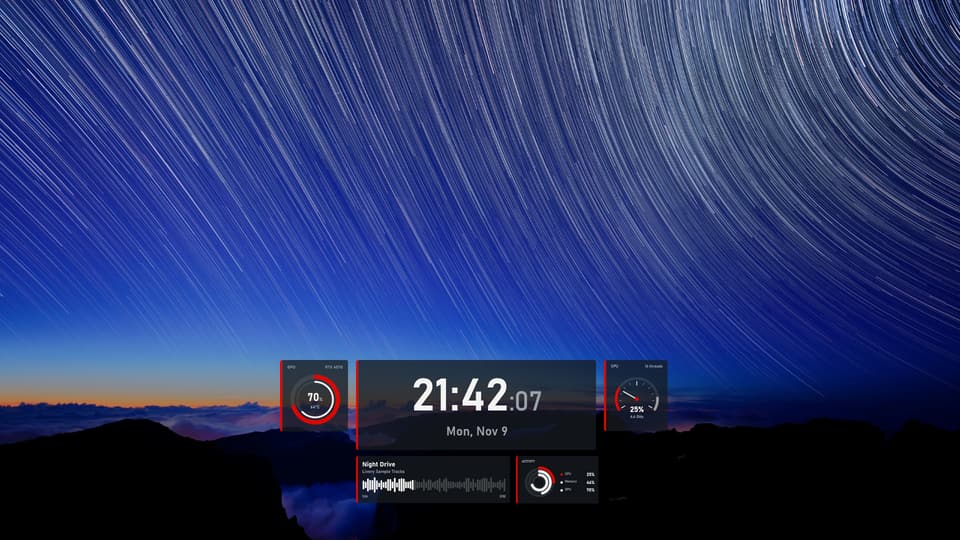
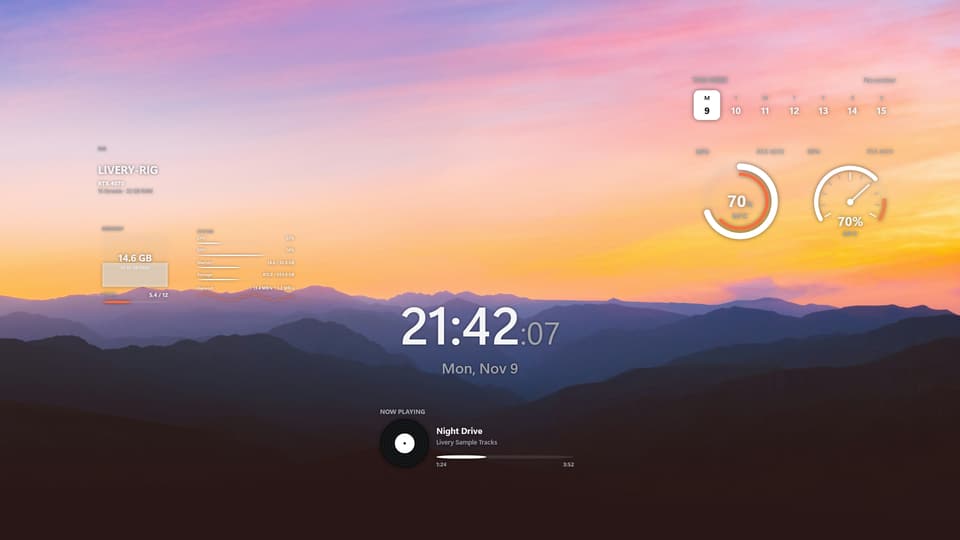
Pictures are Livery’s own docks with sample readings.
Right above your taskbar.
The dock sits on your desktop, behind your windows. Maximised windows can stop above it, it can float over them, or it can hide until you need it. It steps aside for fullscreen games.
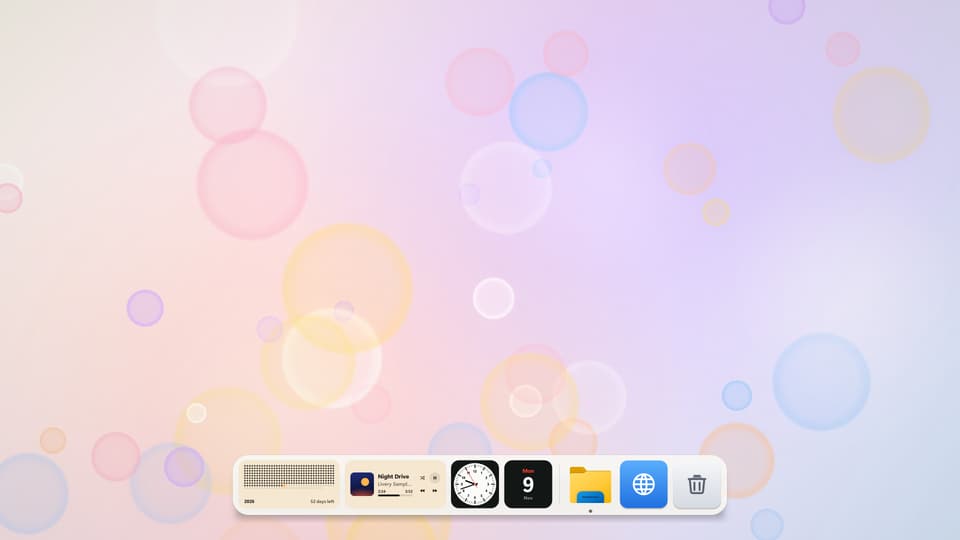
Ember Desk · Free preset
Docks shown over Livery’s own wallpapers. Presets never change your wallpaper.
What is in the dock
Buttons that actually work.
Not a picture of widgets: the dock does things. Play, skip and pause music from any app, switch live wallpapers, bring an open app to the front, and open File Explorer, your browser or the Recycle Bin.
Twelve presets
Swap the whole dock in one click
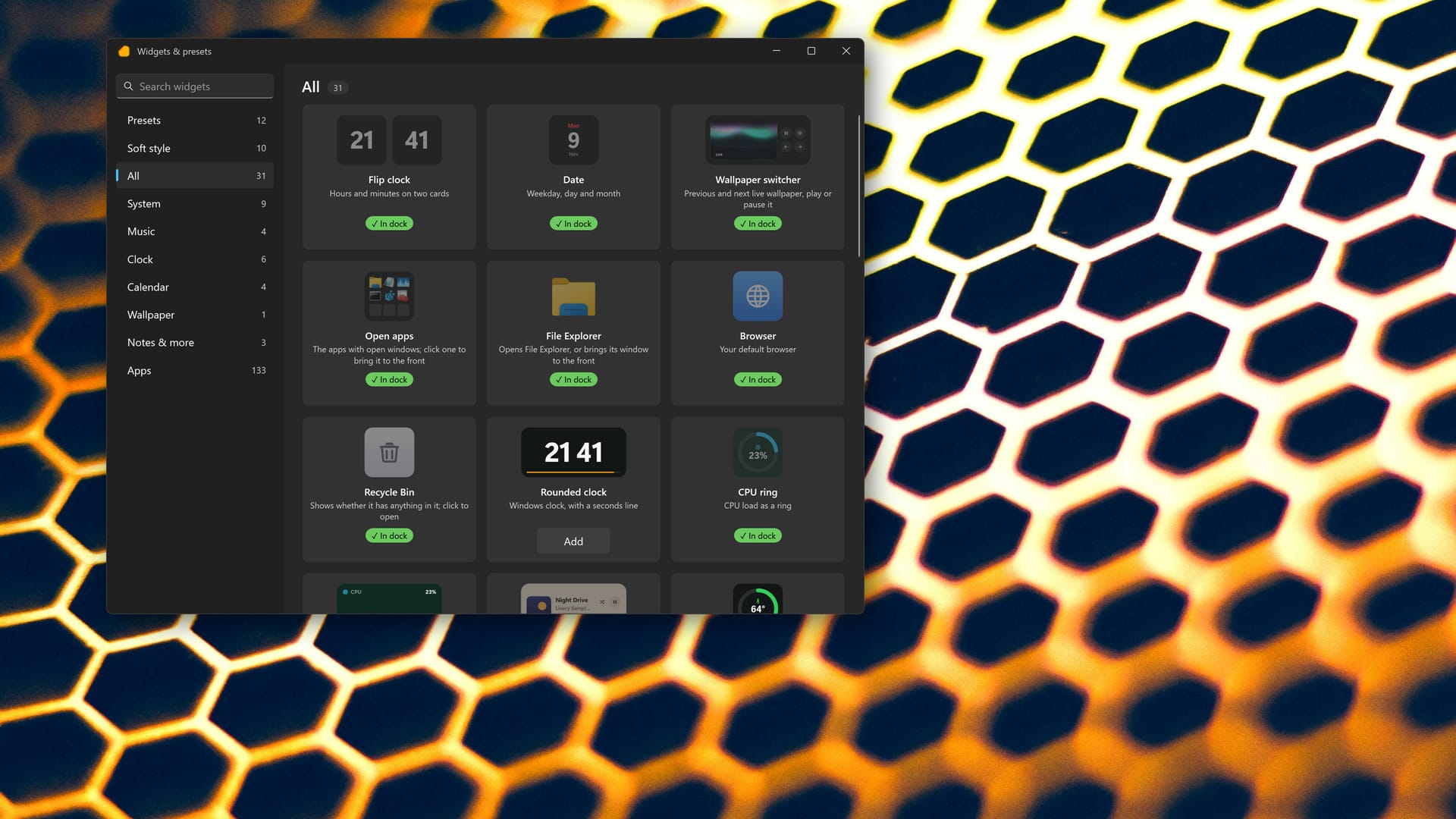
Every widget, one click
Search, preview and add
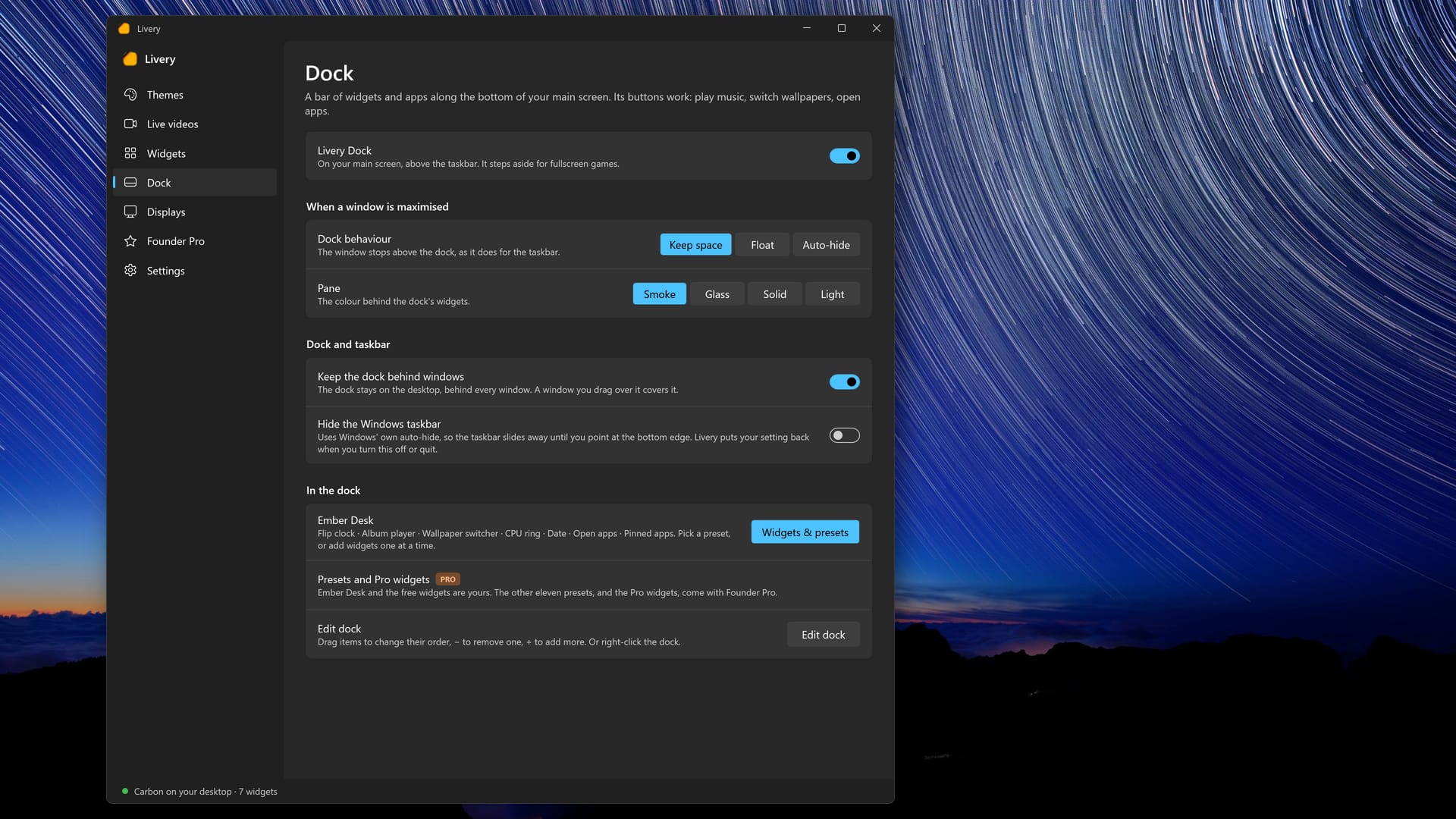
Dock settings
Keep space, float or auto-hide
Music from any app. Play, previous, next and pause for any app that shows in Windows media controls, with album art on the widget.
Wallpaper switcher. Play or pause the live wallpaper, jump to the previous or next loop, or open the Live videos page.
Open apps. See which apps have windows open and click one to bring it to the front. The dock never reads window titles or contents.
Pin any app. Add any app from your Start menu to the dock. File Explorer, your browser and the Recycle Bin are one click away.
Edit dock. Drag to reorder, remove with one click, right-click for more. Each widget or app can be in the dock once.
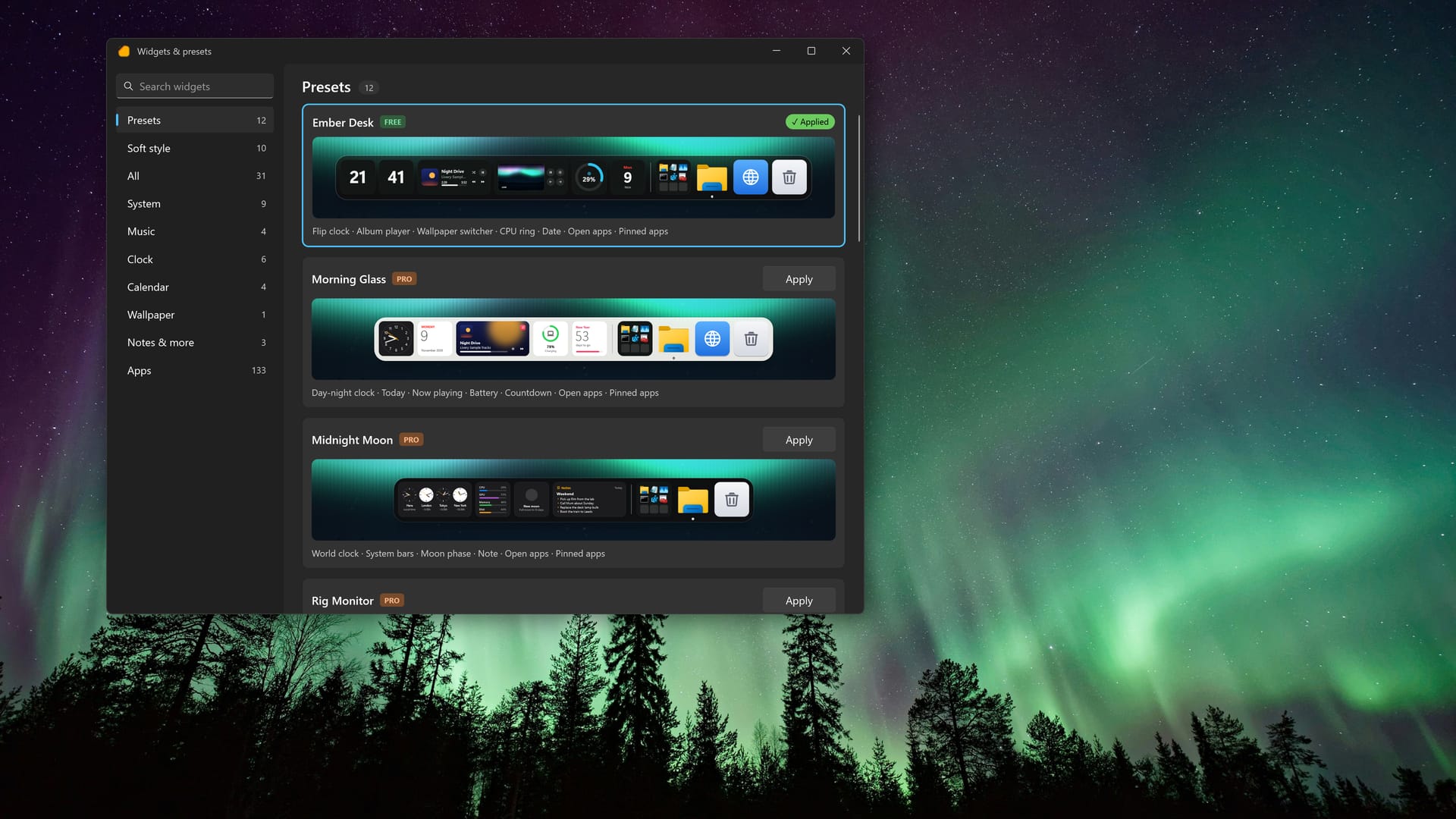
Widgets and presets. Add widgets one at a time with live previews, or apply a whole preset. Presets never change your wallpaper.
Keep space, float or auto-hide. Choose whether maximised windows stop above the dock, it floats over them, or it hides until you need it.
Four pane styles. Smoke, Glass, Solid and Light for the bar behind your widgets.
Hide the Windows taskbar. Optional. Livery uses Windows’ own auto-hide and puts your setting back when you turn it off or quit.
Steps aside for games. In a fullscreen game the dock stops and uses no CPU until you leave. It is off until you turn it on from the Dock page.
Presets
Better together.
Twelve ready-made docks, each with its own mix of clocks, gauges, music and apps. Pick one, then drag things around until it feels like yours. Ember Desk is free; the other eleven come with Founder Pro.
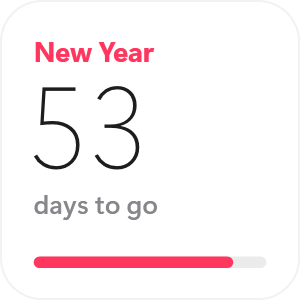
Ember DeskFlip clock, album player, wallpaper switcher, CPU ringFreeRig MonitorCPU, GPU, RAM, network and drive space at a glanceFounder ProMorning GlassSoft, light widgets with a day and night clockFounder ProMidnight MoonWorld clock, system bars, moon phase and a noteFounder ProSunset RadioCoral tiles for the clock, album art and calendarFounder ProStudio CreamYear progress, album cover and an analog clockFounder Pro
Try the dock free. Pay once for the rest.
Ember Desk and everything that is free stays free. Founder Pro is one payment through Microsoft Store, with no subscription.
Livery
Free
Livery Dock with the Ember Desk preset
Music, wallpaper and app buttons, pinned apps and Edit dock
Four desktop themes: Carbon, Glacier, Aurora and Tiles
Clocks, calendars, CPU, GPU, memory, network, drives and now playing
The Store shows the exact price for your country. The price goes up to $19.99 soon. You buy Founder Pro inside Livery, through Microsoft Store.
And the rest of Livery
Desktop widgets, ten themes and live wallpapers too.
The dock sits next to everything Livery already does on your desktop.
Themes · Ten complete desktops
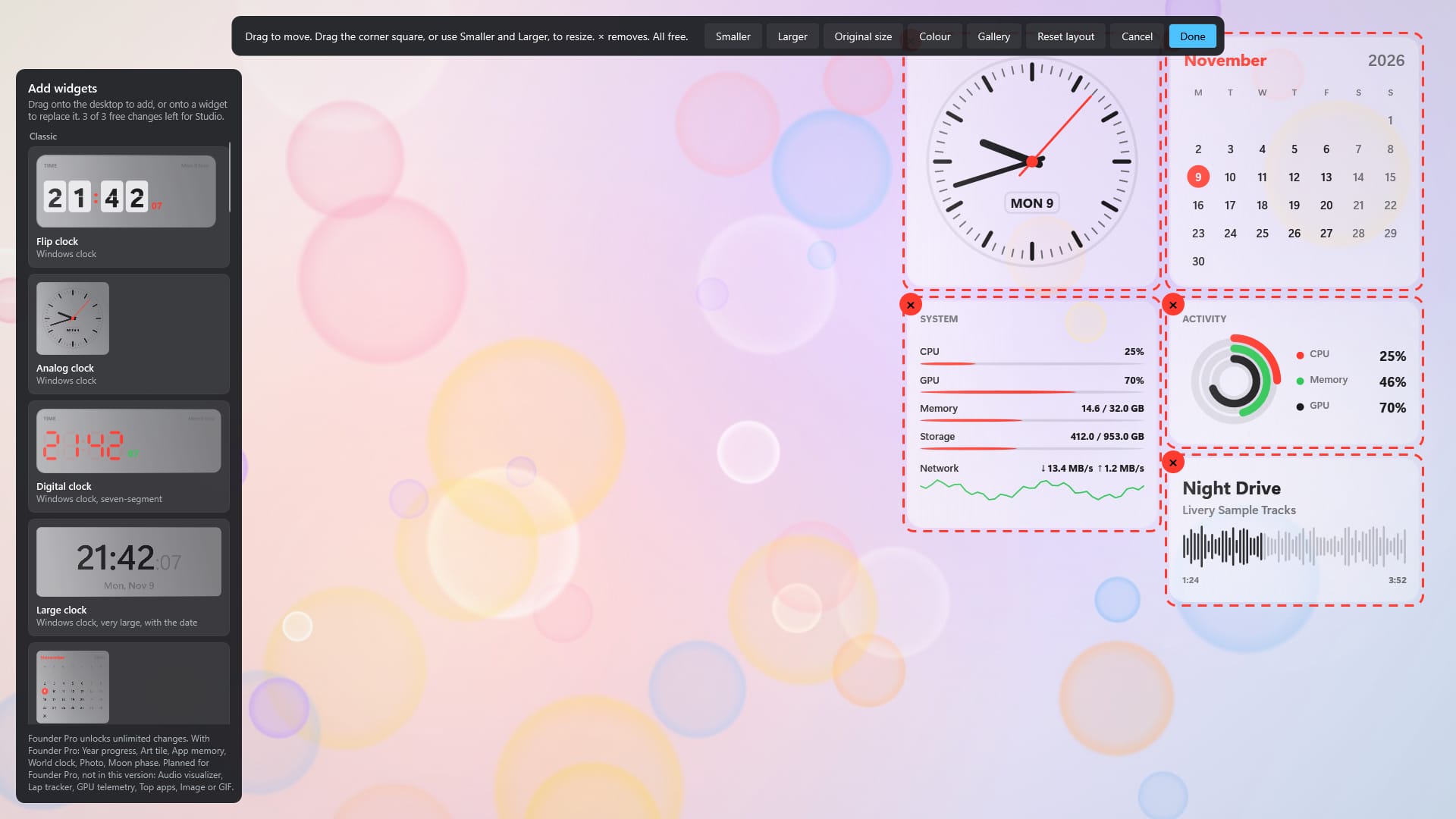
A theme is widgets, layout, colours and wallpaper together
Real readings
CPU, GPU, memory, network and drives
Edit layout
Drag anywhere. Resize from 50% to 200%
Tile colours · Founder Pro
A colour for each tile
Soft widgets
Rounded widgets for the desktop and the dock
Gaming
Steps aside when a game starts
In a fullscreen game, widgets, the dock and video wallpaper stop, free their memory and use no CPU until you leave. Livery never injects anything into games.
Your wallpaper stays
Never changes your Windows wallpaper setting
Ten themes. Ten wallpapers.
Each theme brings its own wallpaper, widgets, layout and colours. Switch in one click, and keep your own wallpaper if you prefer it.
CarbonGraphite and amberFreeGlacierLight and calmFreeAuroraFrosted glass, soft lightFreeTilesRounded tiles, each its own colourFreeNeon DriveSynthwave glow, digital dashFounder ProBlueprintTechnical drawing, precise linesFounder ProPhosphorGreen terminal, scanlinesFounder ProStudioSoft, rounded, lightFounder ProPaddockRace livery with dials and live readoutsFounder ProHorizonOne big clock, nothing elseFounder Pro
Livery features
The dock, the desktop widgets and the details around them.
Livery DockAbove the taskbar
Dock presetsTwelve, one is free
Music buttonsAny media app
Pin any appFrom the Start menu
Desktop widgetsBehind icons and windows
Ten themesOne click
Live videosNine loops included
Your own videosWith Founder Pro
Edit layoutDrag anywhere
Resize 50–200%Free and unlimited
CPU and GPULoad, clock, temperature
Network and drivesSpeed and free space
ClocksFlip, analog, seven-segment
CalendarsWeek, month and year
Tiles and SoftRounded widget families
Accent coloursFor every theme
Tile coloursWith Founder Pro
Game-awareSteps aside in fullscreen
Your wallpaperNever changed
Start with WindowsOff until you turn it on
Hide the taskbarOptional
No accountNo telemetry
Windows 10 and 11Windows 11 recommended
Livery GalleryComing soon
FAQ
What is Livery Dock?
A bar of widgets and apps along the bottom of your main screen, above the taskbar. Its buttons work: play, skip and pause music from any app, switch live wallpapers, bring an open app to the front, and open File Explorer, your browser, the Recycle Bin or any app you pin. It is off until you turn it on from the Dock page.
What is free and what needs Founder Pro?
The dock, Edit dock, all dock widgets and the Ember Desk preset are free. The other eleven presets, the Pro widgets and tile colours come with Founder Pro, one payment of about $9.99 through Microsoft Store, with no subscription. The price goes up to $19.99 soon.
Does it replace the Windows taskbar?
No. The dock sits above it. If you want, you can turn on Windows’ own taskbar auto-hide from Livery; Livery puts your setting back when you turn it off or quit.
Will it slow my games?
When a fullscreen game starts, Livery’s dock, widgets and video wallpaper stop, free their memory and use no CPU until you leave the game. Livery does not inject anything into games.
Why does the dock ask about open windows?
To show which apps are open and bring one to the front, the dock reads which apps have open windows. It never reads their titles or contents, and it stays on your PC.
Does it change my wallpaper?
No. Livery never changes your Windows wallpaper setting, and dock presets never change your wallpaper. A desktop theme’s wallpaper is opt-in.
Do I need an account?
No. There is no account and no telemetry, and Livery makes no network connections of its own. To show the Founder Pro price and know whether you own it, Livery asks the Microsoft Store part of Windows.
Which Windows versions work?
Livery is made and tested on Windows 11. Windows 10 version 2004 or later is supported but has had less testing.
Does it work on more than one monitor?
The dock and widgets appear on your main display today. Other displays are not supported yet.
Is there a Mac or Linux version?
No. Livery is for Windows.
How do I get help?
Email technolans@outlook.com. Livery is made by one developer, and the roadmap follows what people ask for.

 Dock